★★★★★ 4.9 on the App Store Built for active traders

AI chart analysis.
Get the
trade plan.

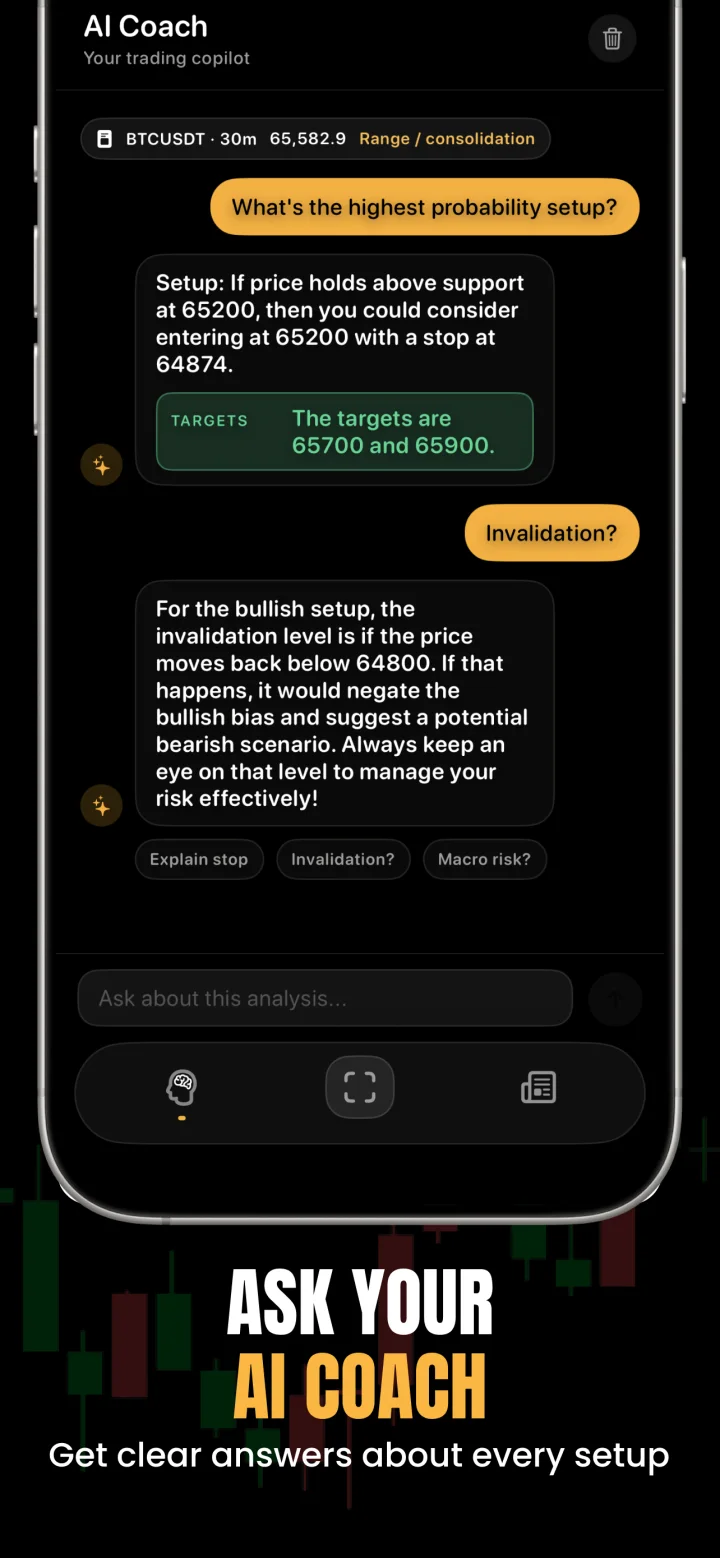
Key levels, bias, entry, stop loss, and invalidation.

ChartsGPT analysis screen ChartsGPT screen 5
ChartsGPT camera capture flow ChartsGPT screen 4
ChartsGPT risk and entry view ChartsGPT screen 6
Download on the App Store

AI trading chart analyzer

Technical analysis from one chart screenshot

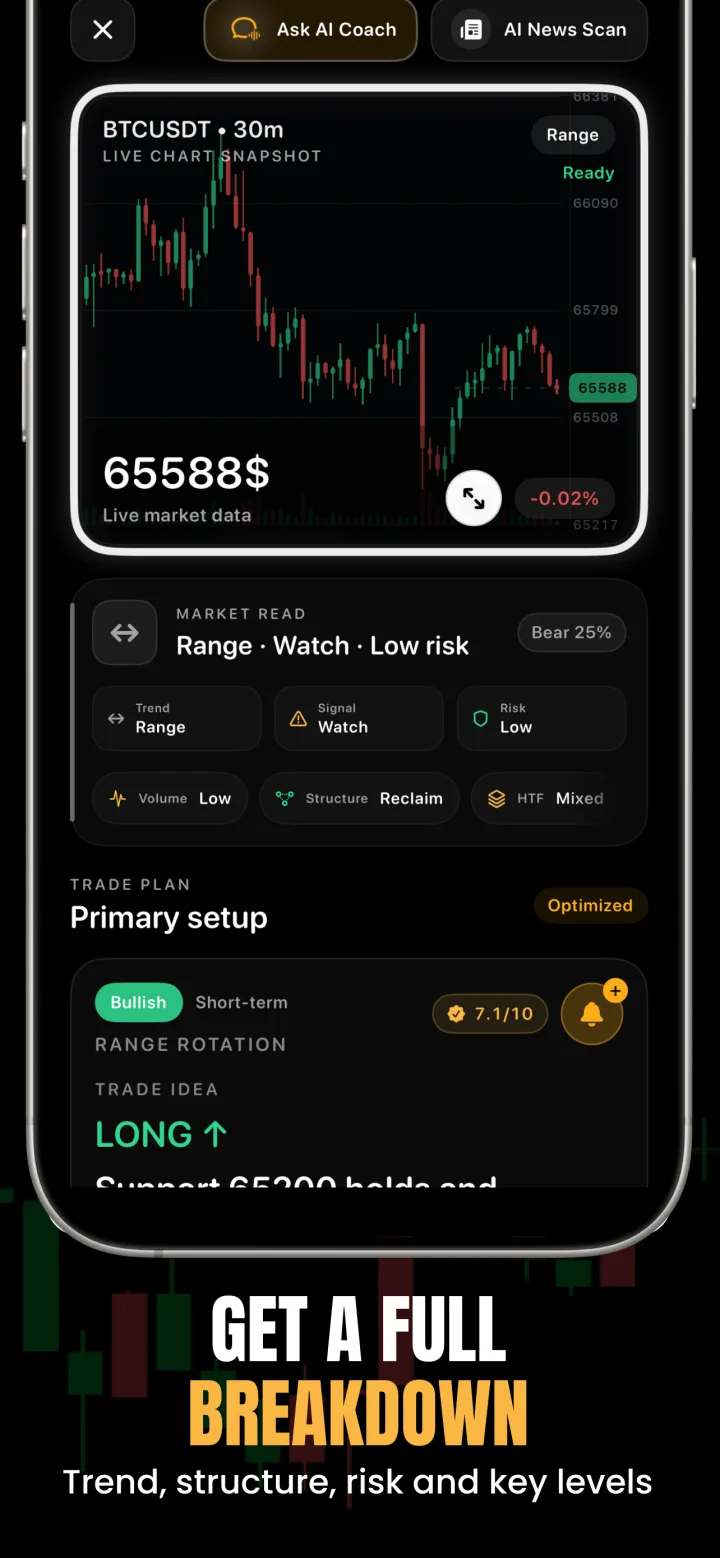
Upload a screenshot from TradingView or another charting platform. ChartsGPT analyzes trend direction, market structure, support and resistance, common patterns, and possible bullish and bearish scenarios, without a complicated setup.

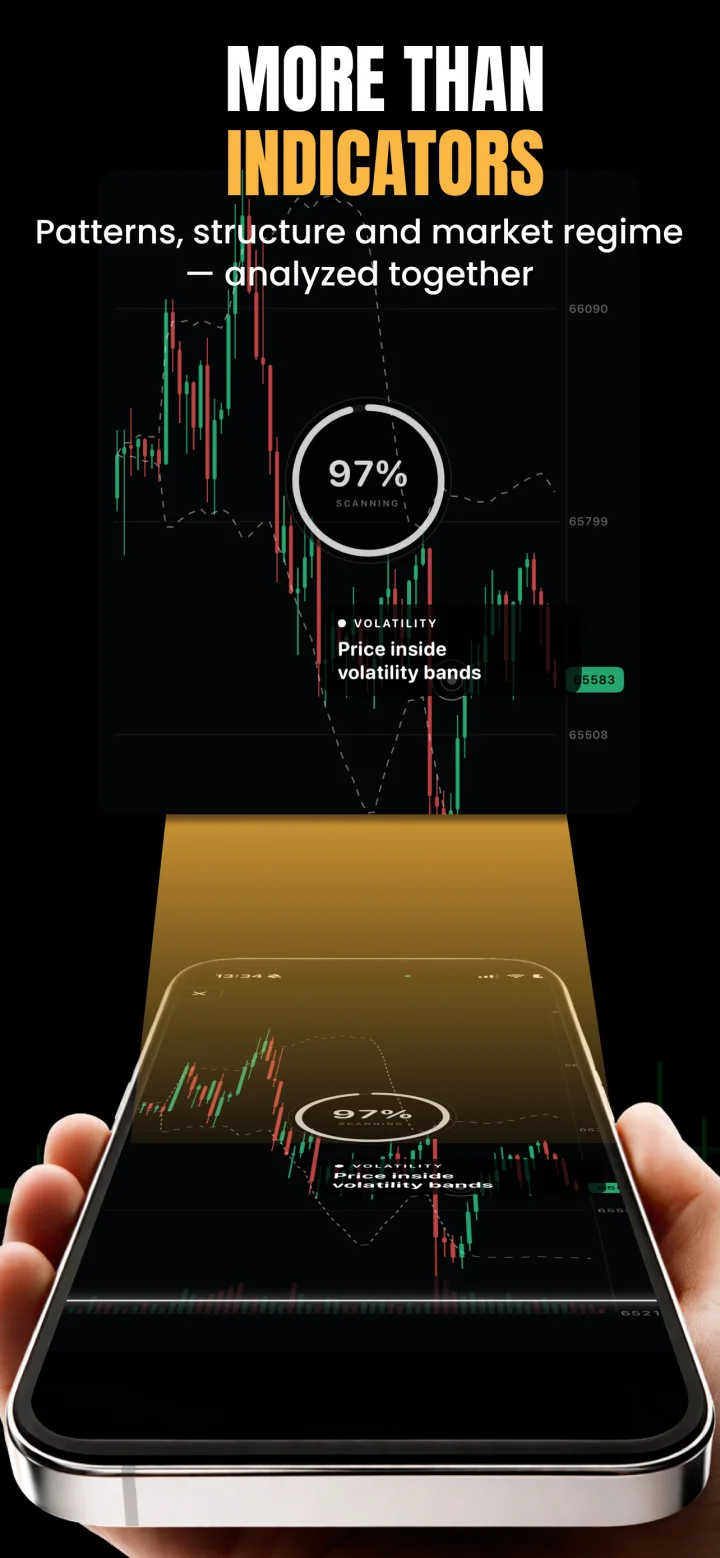
AI chart intelligence From screenshot to structured market insight.
ChartsGPT AI chart analysis preview
ChartsGPT real-time trading signals preview
ChartsGPT technical indicators preview

Levels and structure

Find support, resistance, breakouts, structure shifts, and price zones worth watching.

Risk-aware trade plan

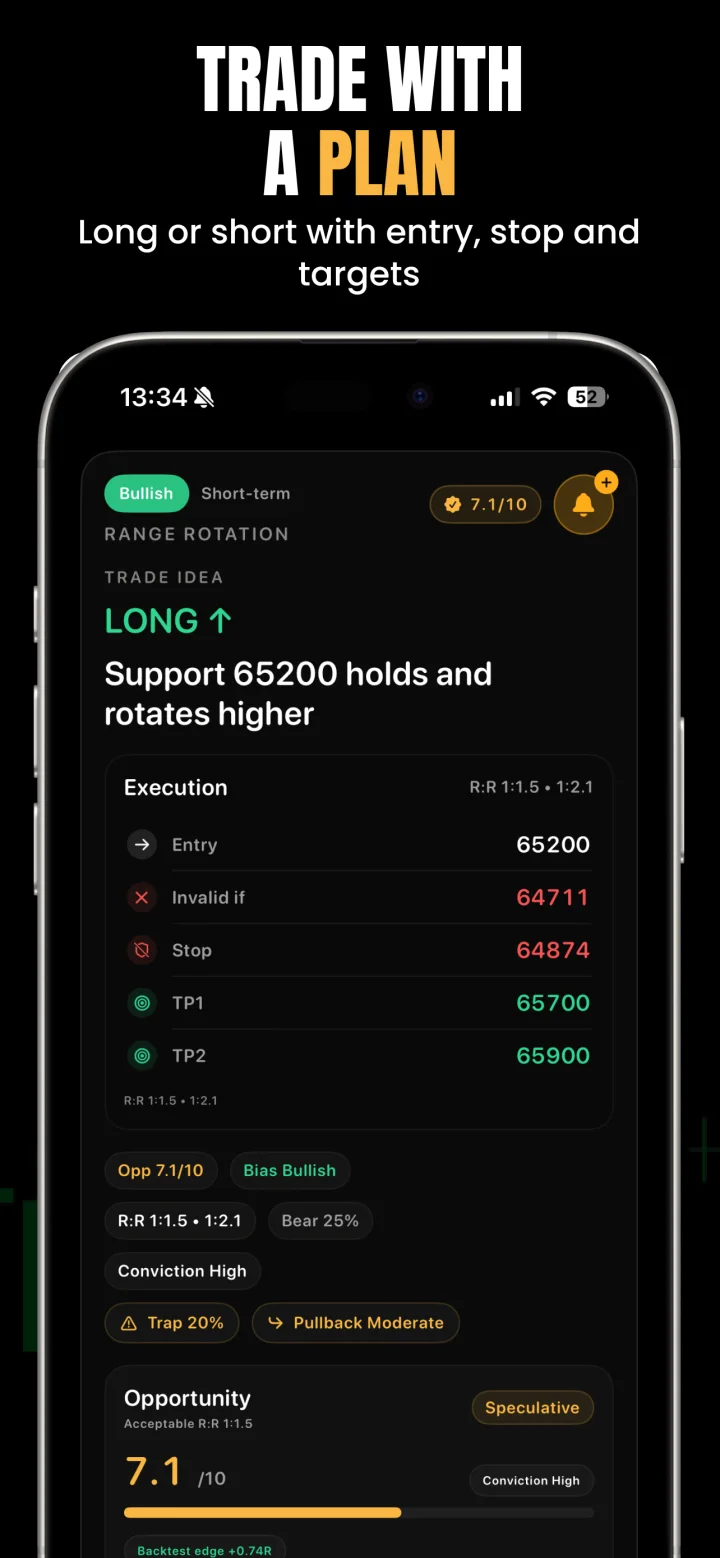
Review possible entries, stop loss, take profit, invalidation, and clear risk notes.

Indicators and patterns

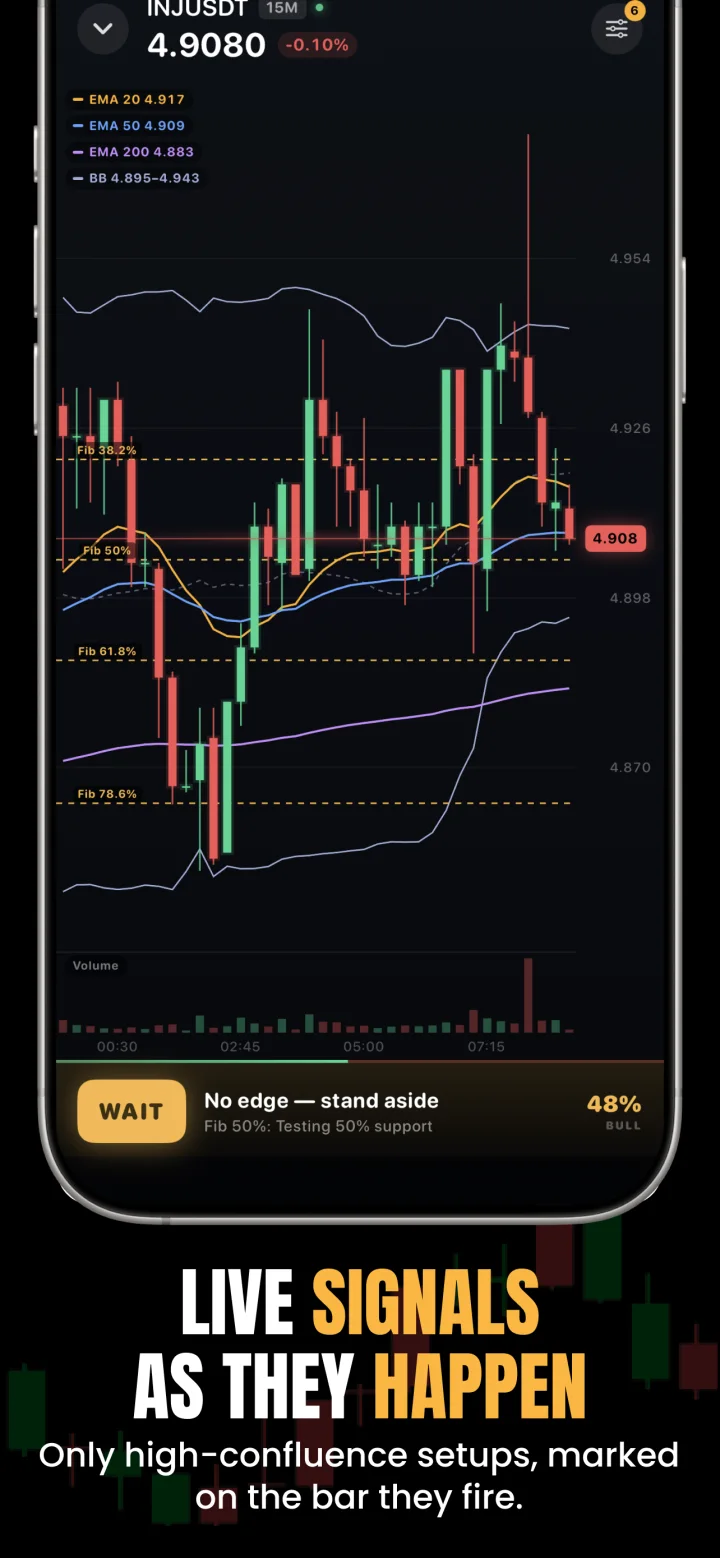
Put RSI, MACD, moving averages, double tops, breakouts, and other patterns in context.

More market context

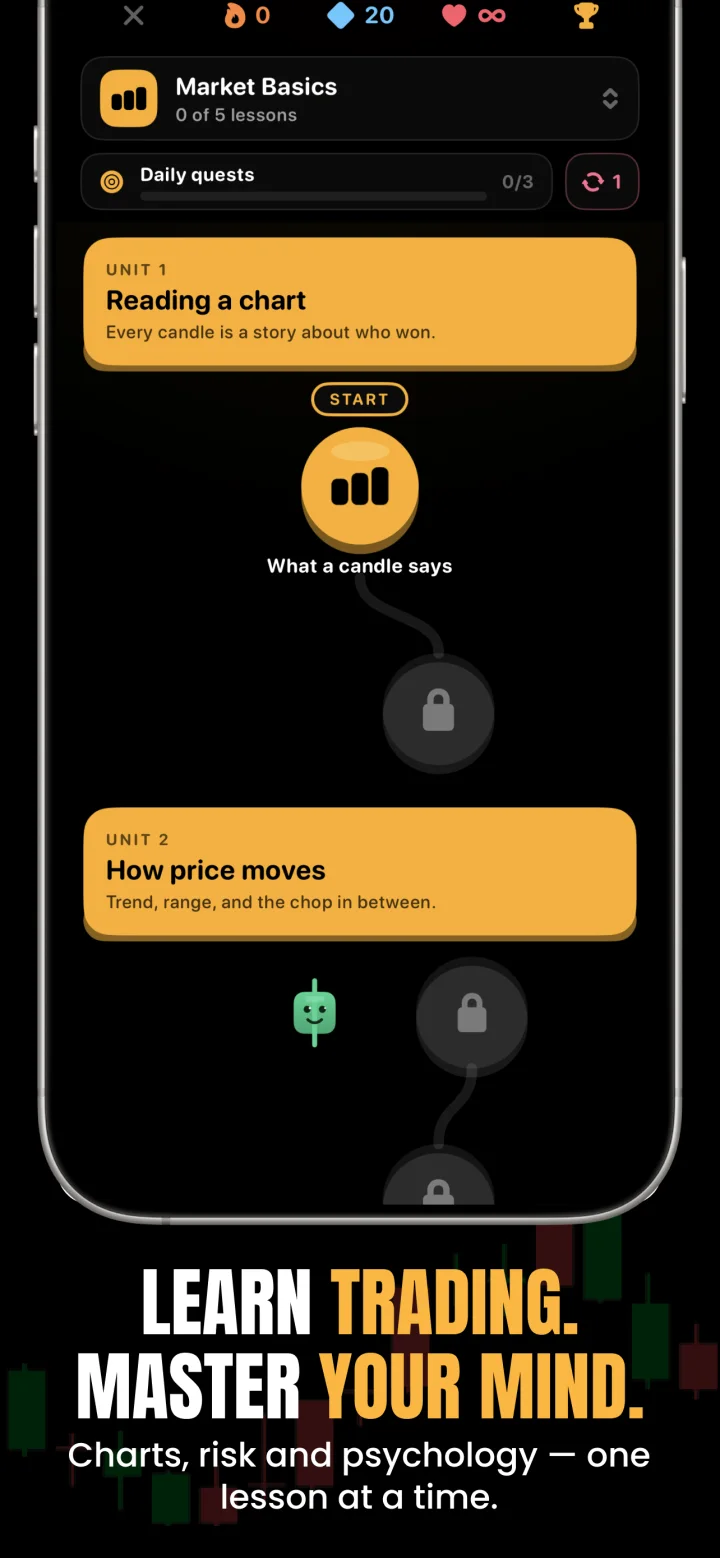
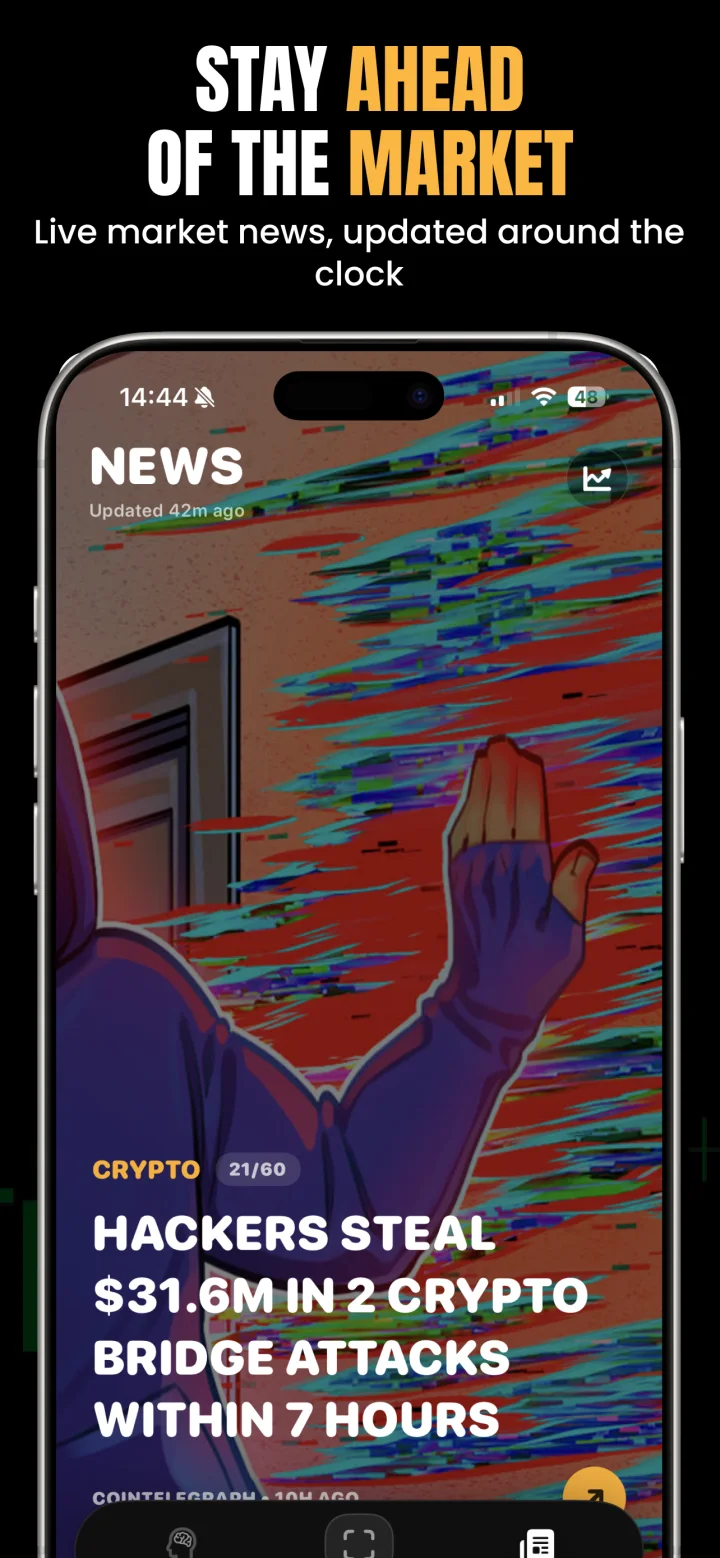
Combine chart analysis with AI Coach, market news, macro events, and trading sessions.

How to analyze a trading chart with ChartsGPT

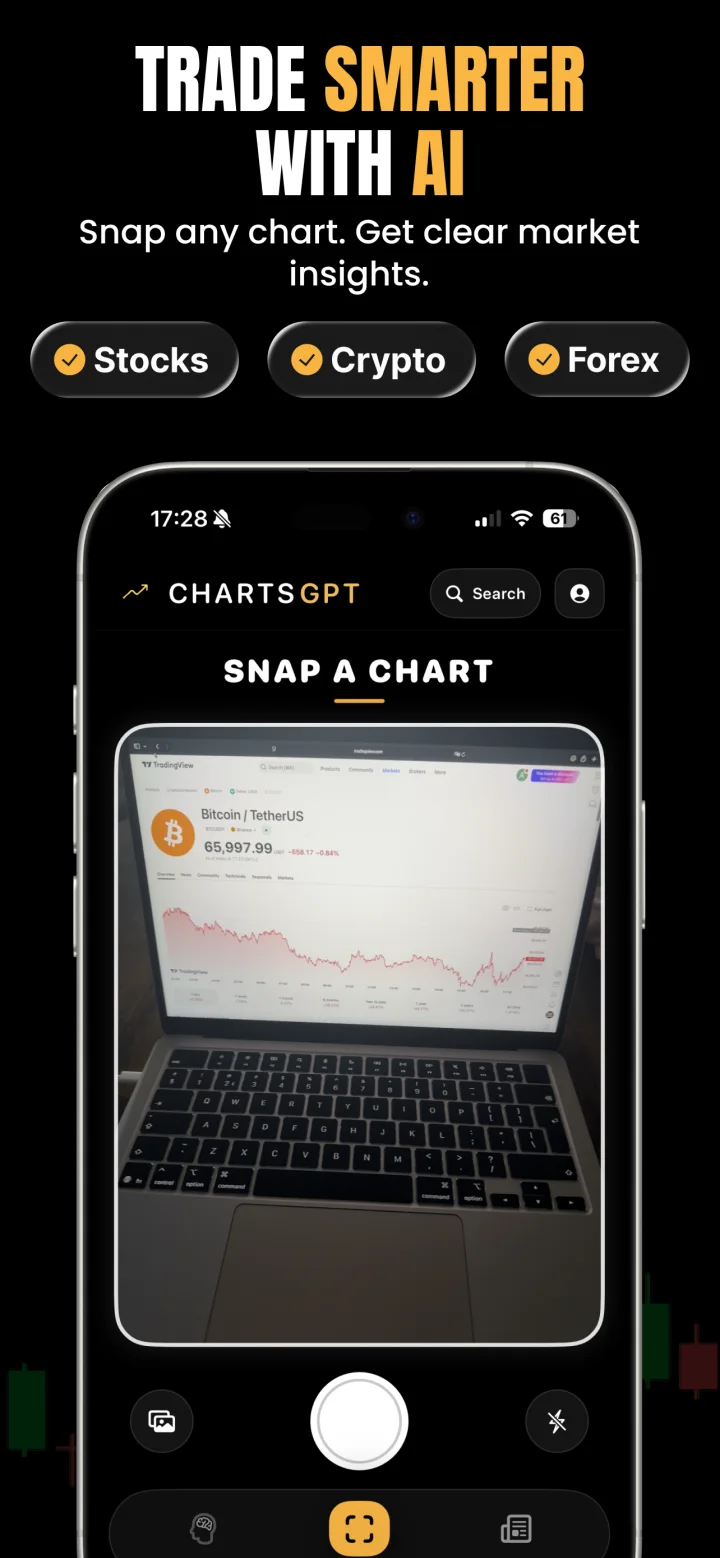
1. Upload a screenshot

Use a sharp image that shows the asset, timeframe, candles, and enough price history.

2. Review the analysis

Check the bias, key levels, patterns, and both the bullish and bearish scenario.

3. Validate your plan

Use the entry, stop, targets, and invalidation as a second opinion, not financial advice.

Multi-market analysis

Crypto, forex, stocks, indices, and metals

ChartsGPT works for day trading and swing trading. Analyze Bitcoin, altcoins, currency pairs, stock indices, individual stocks, gold, and silver whenever your screenshot includes enough market context.

AI chart analysis questions

Does ChartsGPT provide buy or sell signals?
ChartsGPT generates informational analysis and scenarios. It does not place trades and does not replace your own research, judgment, or risk management.
How is ChartsGPT different from using ChatGPT for charts?
ChatGPT is a general assistant that will describe a chart in prose. ChartsGPT returns the same structure every time: two to four key levels, a bull and a bear scenario, a trigger and an invalidation level, checked against live market data rather than read from pixels alone.
What is AI chart analysis?
Using AI to turn a chart screenshot into a structured plan: the levels that matter, two scenarios, the trigger that starts a trade and the price that proves it wrong. It produces clarity, not predictions.
Can AI predict where price is going?
No. Nothing predicts price reliably. ChartsGPT gives you structure and two scenarios so your decisions stay consistent, and it always states what would make each scenario wrong.
What screenshot gives the best chart analysis?
Use a clear image without panels covering the chart. Include the symbol, timeframe, current candles, and enough price history to show the wider structure.
Can ChartsGPT analyze forex and crypto charts?
Yes. ChartsGPT supports crypto, forex, stock, index, and metals charts for both day trading and swing trading workflows.
Which timeframe should I analyse?
The timeframe you trade, plus the one above it. The higher timeframe gives you direction and the lower one gives you the trigger.
Is ChartsGPT free?
ChartsGPT is free to download and includes free analyses. Full access requires a Pro subscription, which renews automatically unless cancelled in your App Store settings.
Do I need trading experience to use it?
No. The output is written to be readable without jargon, and every analysis names the level that would make the idea wrong, which is the part beginners most often skip.

Learn the method behind the analysis

Everything ChartsGPT does you can also do by hand. These guides show how, and what to demand from any tool that claims to do it for you.

Turn a screenshot into a clearer trading plan

Download ChartsGPT for iPhone or iPad and analyze your next chart in seconds.

Download on the App Store

Join the Android beta

We're building the Android version now. Drop your email and you'll be first in line when the beta opens.

We'll only email you about the Android beta. No spam, unsubscribe anytime.

Download on iOS instead